Unified events and cases
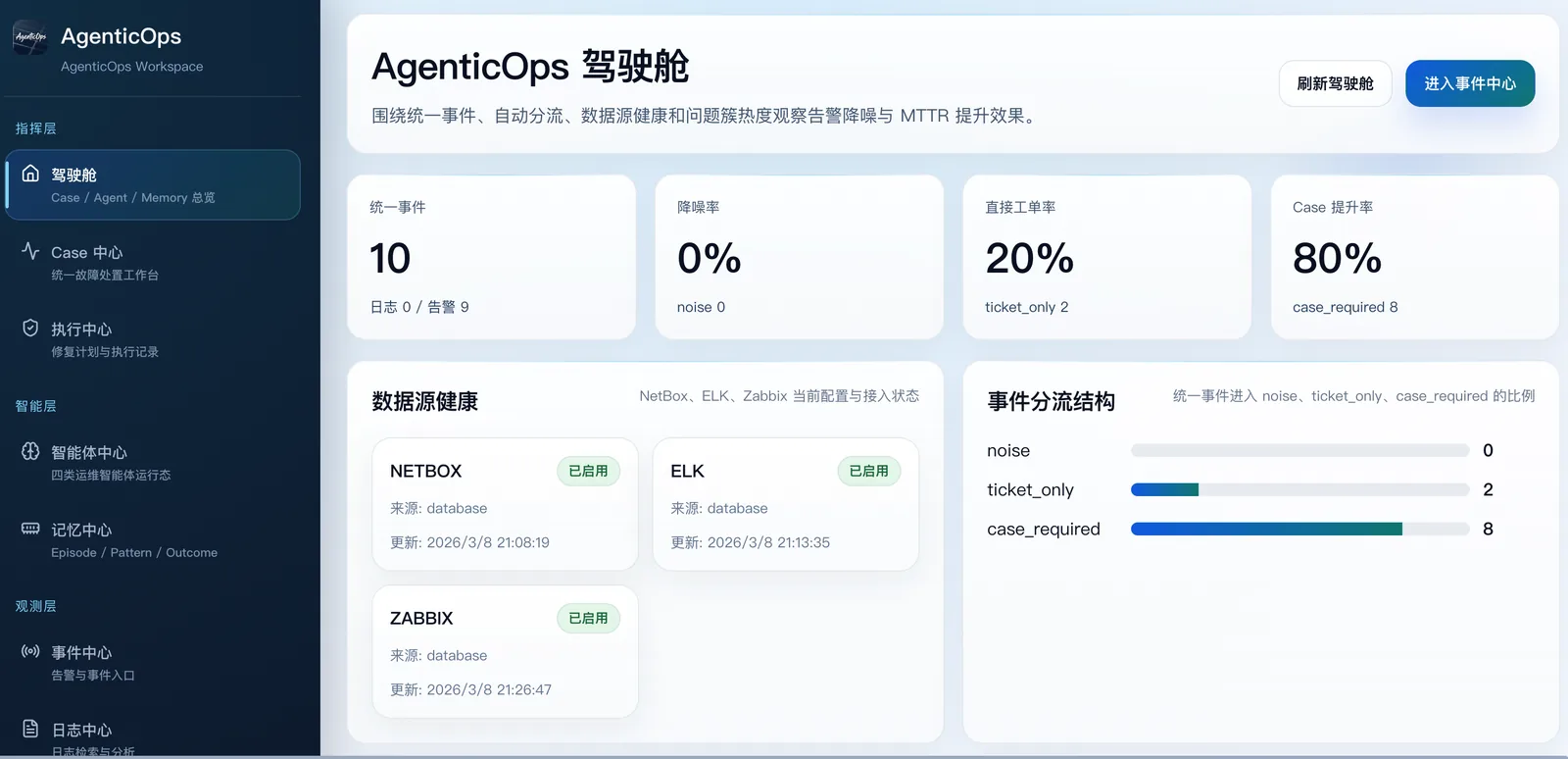
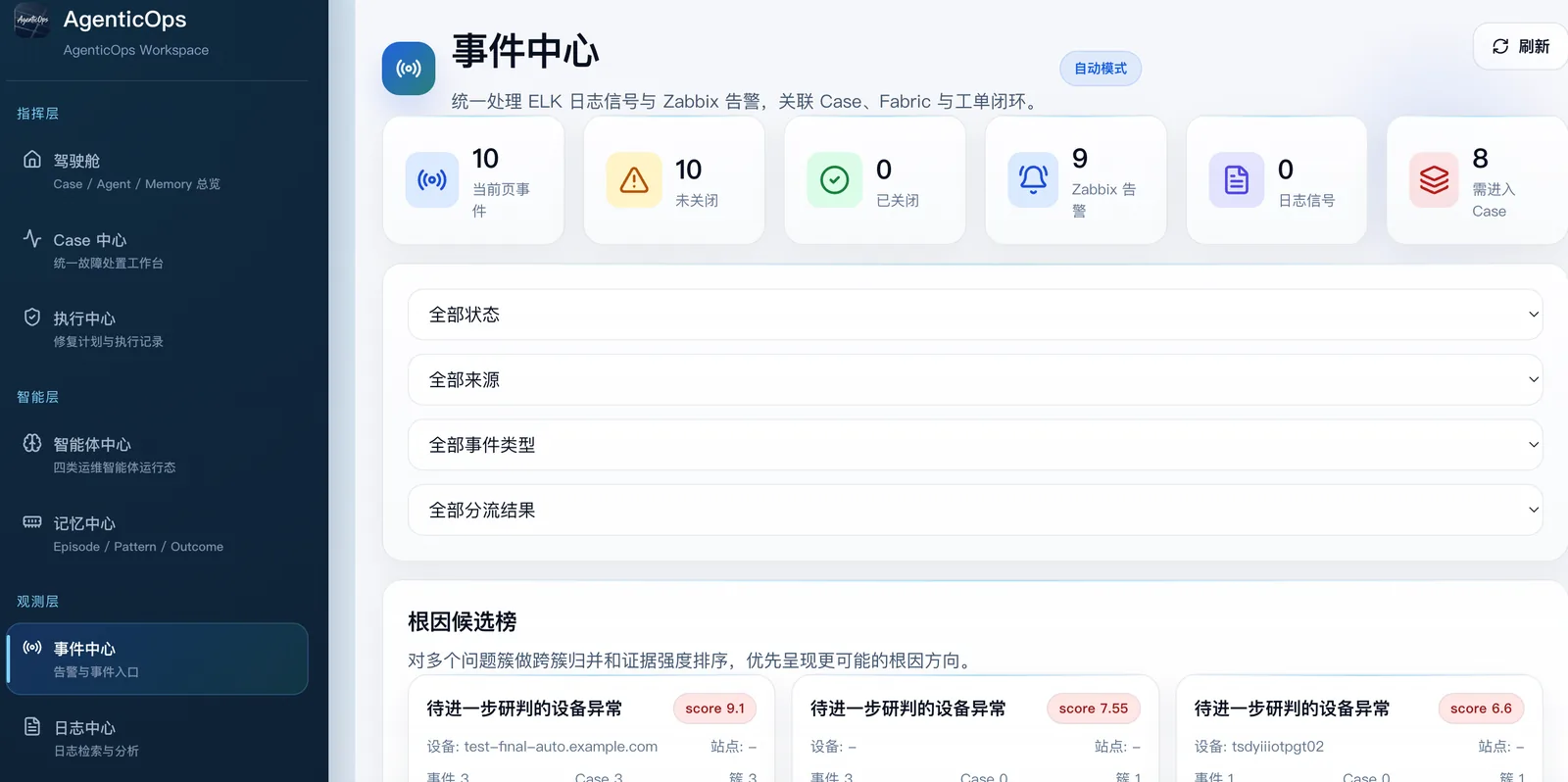
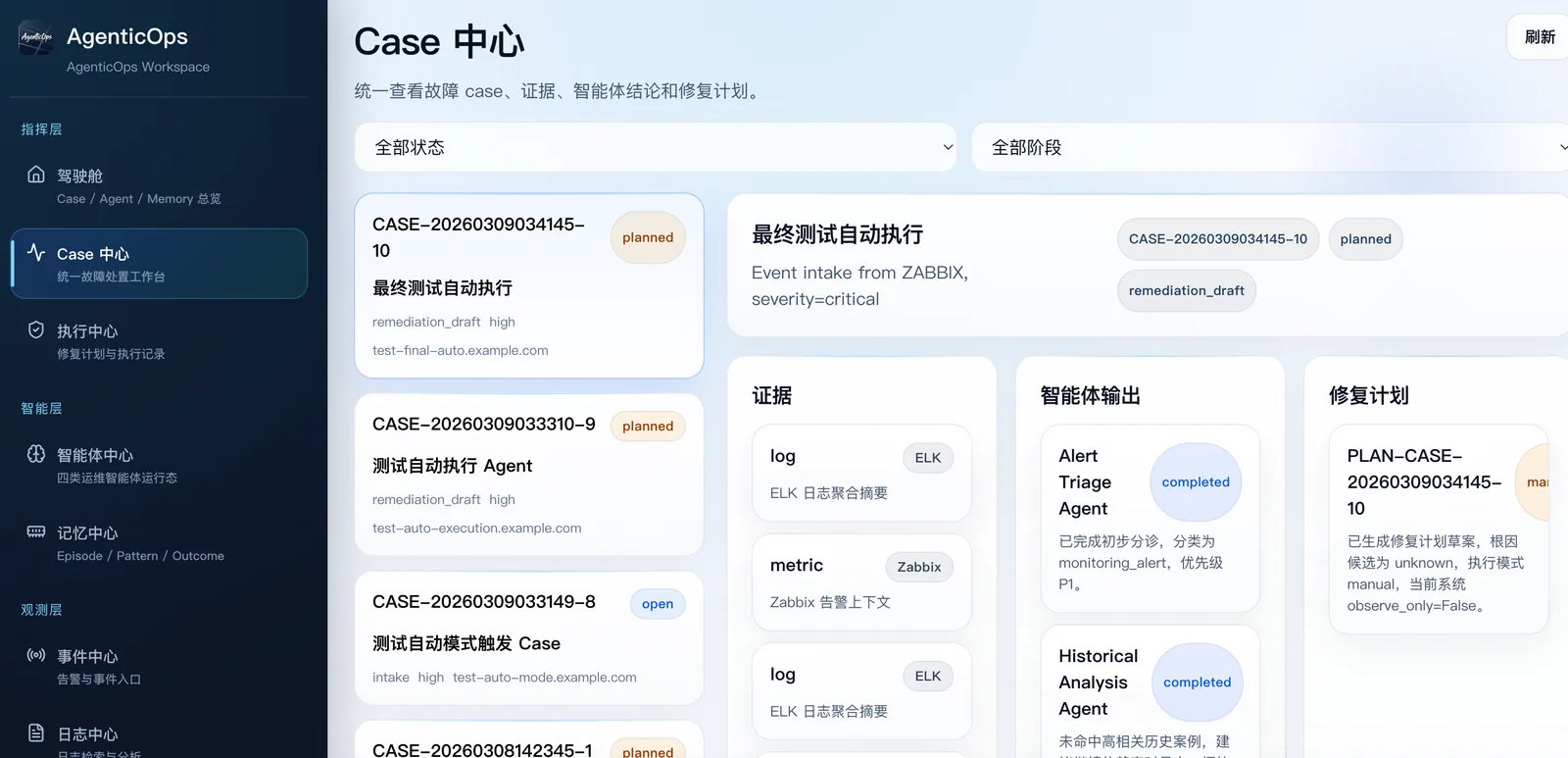
Events and Cases provide a shared entry point for monitoring signals, inventory context, and the diagnostic process.
AgenticOps is an open-source event governance and diagnostic workbench for network operations. It brings NetBox, ELK, Zabbix and other data sources into a workflow that connects Events, Cases, multi-agent analysis, operational memory and controlled execution.
AgenticOps is an open-source multi-agent operations workbench for NetBox, ELK, Zabbix and other data sources — turning alerts, inventory context, and diagnostic workflows into an auditable, recoverable Event-to-Action loop.
Alerts, logs, and asset context are spread across systems, while diagnosis often remains in temporary conversations and human memory instead of a recoverable, reviewable evidence trail.
Events and Cases provide a shared entry point for monitoring signals, inventory context, and the diagnostic process.
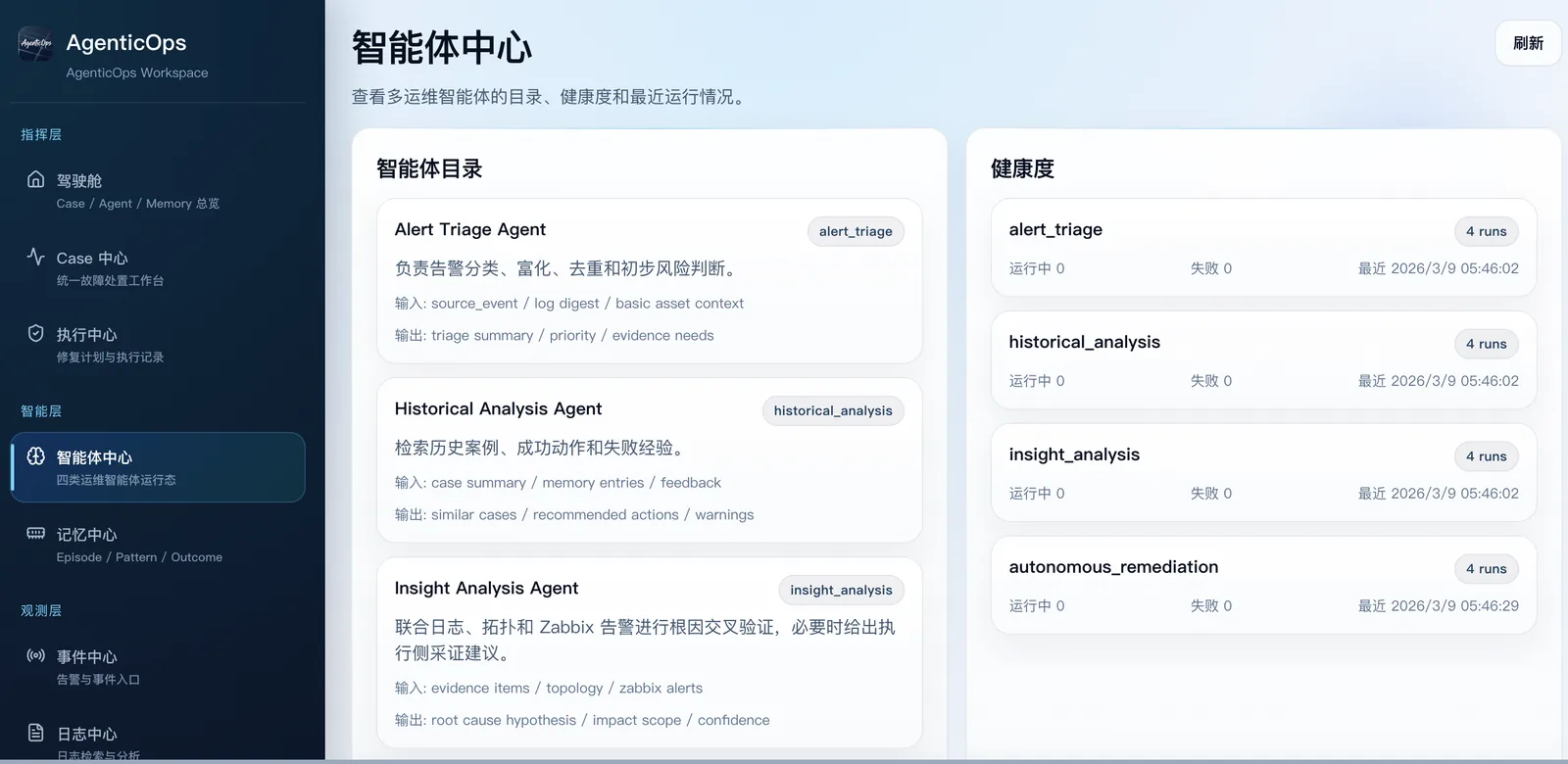
The asynchronous multi-agent graph persists runtime state so diagnostic work can be recovered and traced.
Evidence, Hypothesis, and Timeline records connect conclusions to their sources, reasoning, and sequence.
Operations memory preserves prior diagnostic context for later retrieval and reuse.
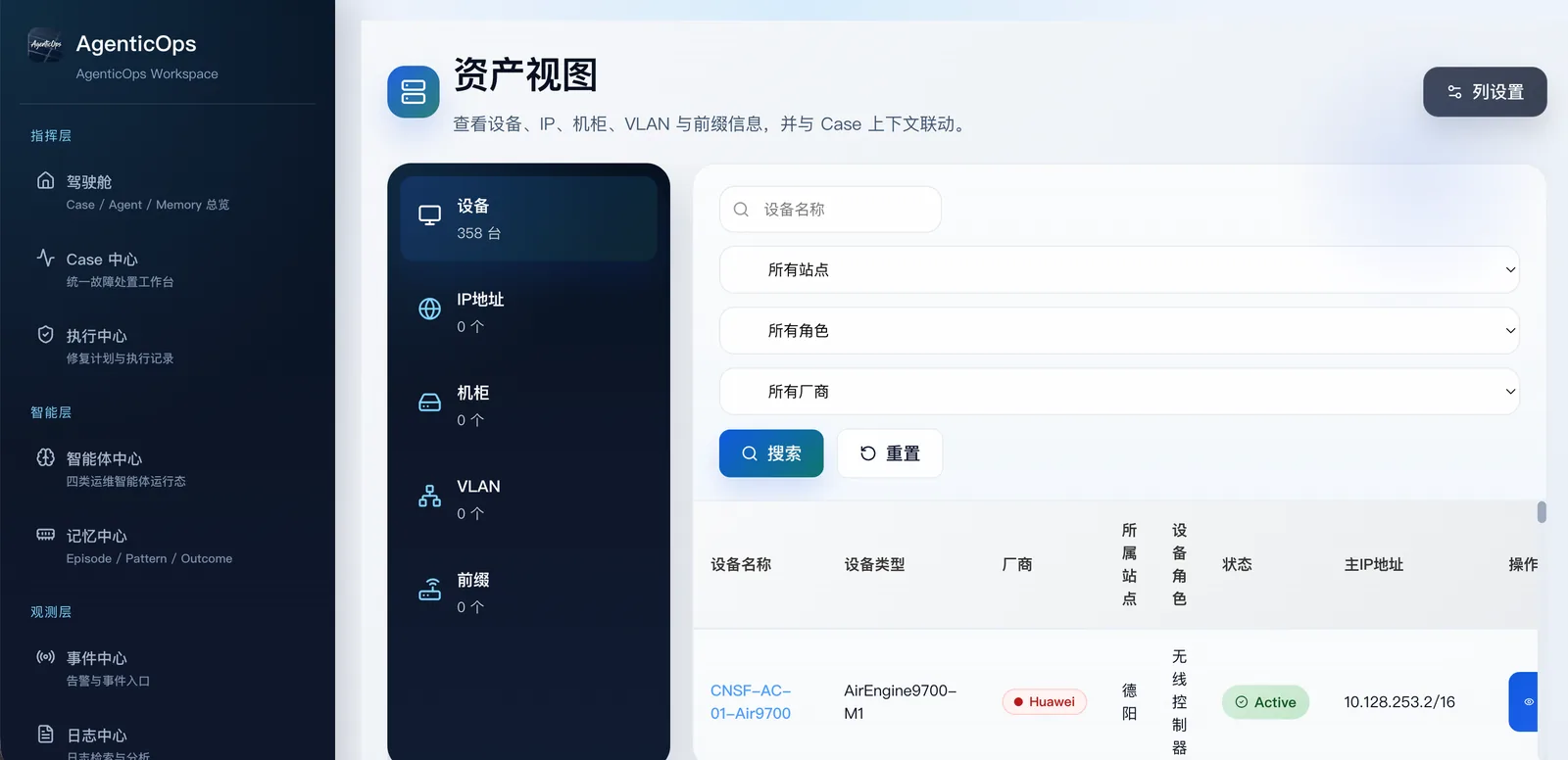
Integration boundaries for NetBox, ELK, and Zabbix correlate inventory, logs, and alerts.
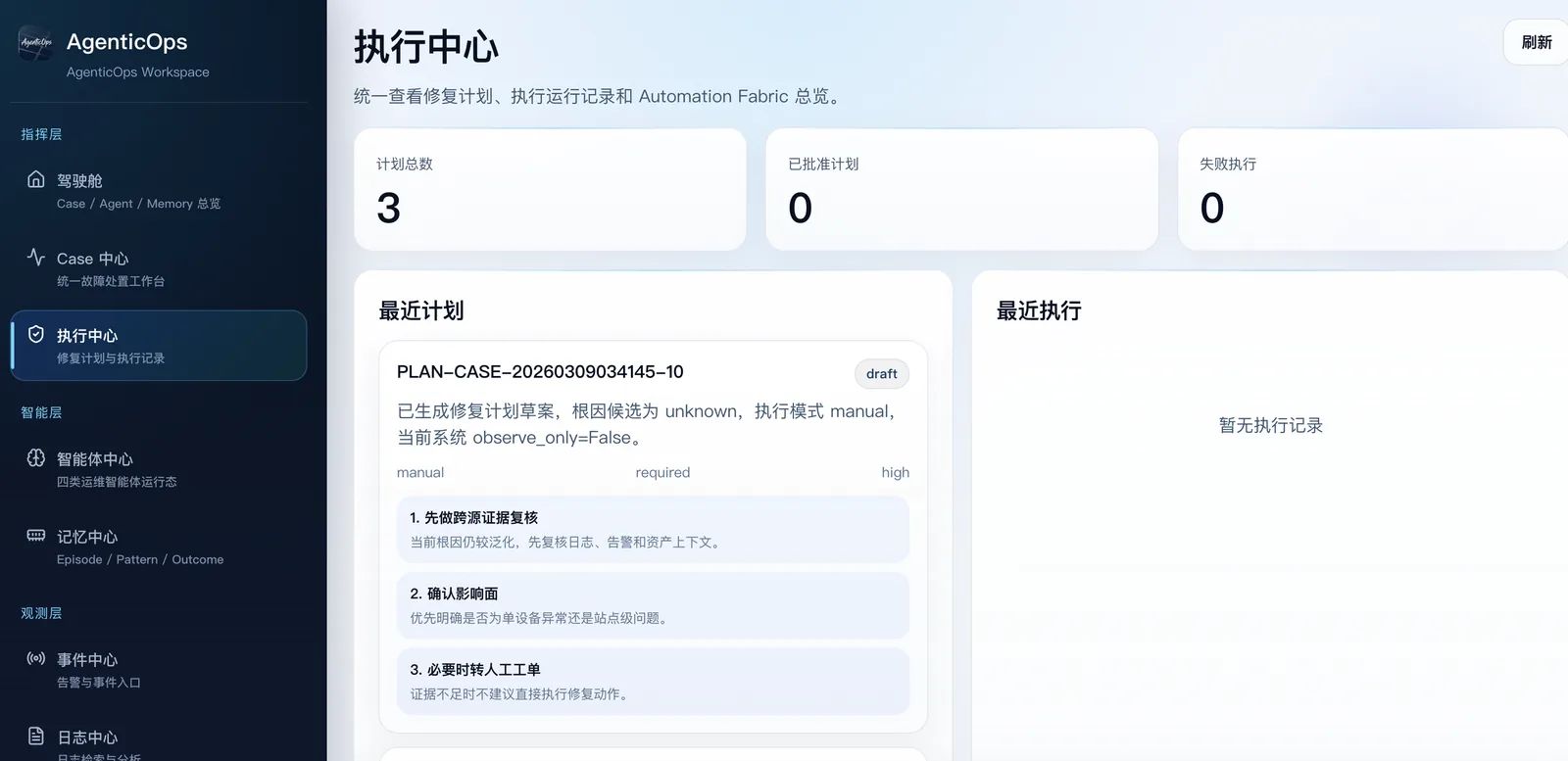
High-risk actions are not executed automatically; Human Gate, observe-only, and Shadow Mode define the validation boundary.
git clone https://github.com/Jaycelu/agenticops.git
cd agenticops
git fetch --tags --prune
git checkout v0.2.1
git describe --tags --exact-match
git rev-parse HEADcp deploy/docker.env.example .env
openssl rand -hex 32 # write to APP_SECRET_KEY
openssl rand -hex 24 # write to POSTGRES_PASSWORD
# Also set AUTH_PUBLIC_BASE_URL and FRONTEND_URL
# Keep AUTOMATION_OBSERVE_ONLY=True
# Keep AUTH_COOKIE_SECURE=True and WEBHOOK_ALLOW_HTTP=False
chmod 600 .envdocker compose config -q
if docker compose config | grep -E 'change_me|replace_with'; then
echo 'Unresolved configuration found; stop deployment'
exit 1
fi
docker compose builddocker compose up -d postgres
docker compose run --rm migrate
docker compose up -d backend worker frontend
docker compose psexport BOOTSTRAP_ADMIN_PASSWORD='a-long-random-password-from-your-password-manager'
docker compose exec -e BOOTSTRAP_ADMIN_PASSWORD="$BOOTSTRAP_ADMIN_PASSWORD" backend \
python -m scripts.bootstrap_admin \
--username admin \
--display-name Administrator \
--confirm-create-first-admin
unset BOOTSTRAP_ADMIN_PASSWORDcurl -fsS http://127.0.0.1:8000/health/live
curl -fsS http://127.0.0.1:8000/health/ready
curl -fsS http://127.0.0.1:8000/health/dependencies
curl -fsS http://127.0.0.1:8000/metrics
docker compose exec worker python -m scripts.check_worker_healthPublished:2026-07-21
Content updated:2026-07-22
Alerting platforms focus on routing and notification. AgenticOps focuses on event correlation, multi-source diagnosis, evidence chain preservation, and controlled execution.
Ad-hoc chats have no persistent state and are not recoverable. AgenticOps uses a persistent Agent Graph to save diagnostic progress and intermediate results.
AgenticOps is a server-side platform for team-based multi-system event correlation. Network AI Ops is a desktop app for individual engineer daily operations.
No high-risk action runs automatically by default. v0.2.1 uses Human Gate, observe-only, and Shadow Mode to define validation and execution boundaries.
No. Enable the data sources available in your environment, then validate connectivity and data quality for each real integration.
The v0.2.1 Release contains source code and no binary assets, so the website links the formal tag, deployment guide, and Docker Compose startup steps without inventing an installer.
AgenticOps is a server-side open-source platform for unified event governance across NetBox, ELK, and Zabbix. Network AI Ops is a desktop app for individual troubleshooting and operations.
AgenticOps runs on your own server. NetBox, ELK, Zabbix connections and data stay in their target environments. Model connections depend on the service you configure.
No complete English guide is published for this product yet.
View all English guides · Browse the related Chinese knowledge base